Download EasyAs Today – 30 Day Free Trial
If you are an existing user looking for updates to the software then go to this page: Software Updates
.
Are You New To EasyAs
Click The Image Below To Get Started
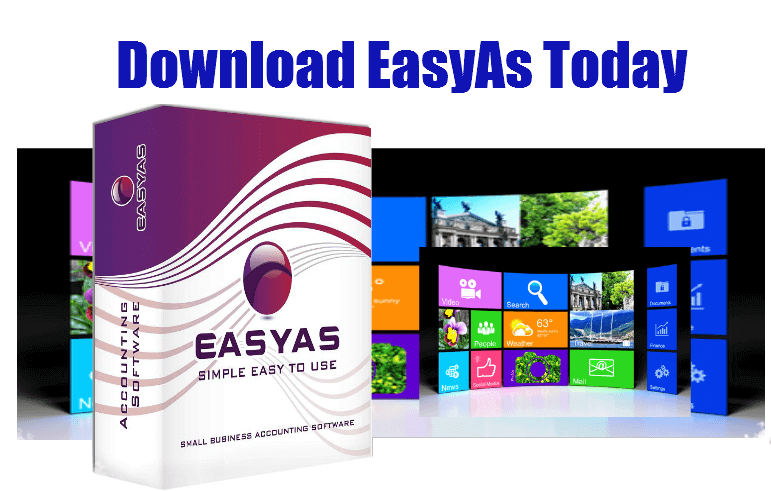 Download Accounting Software on a Free 30 Day Trial
Windows 7,8,10,11
.
 Version 8.9.104
.
Try our software for Free for 30 Days to see if it suits you and your business
When you click the above link you will receive the FULL Complete Program FREE for 30 Days, and I don’t want your email address, your phone number or Facebook profile, I want nothing from you, just click and try it out.. How can it get any better than that?
.
Please Note: If you are an existing user (existing users can also be those on a 30 Day Trial) then DO NOT DOWNLOAD and reinstall the full program from the link above until you have previewed the instructions on this page outlining how to reinstall easyas accounting.
.
.
.
EasyAs has been Developed for Small Businesses Like Yours
EasyAs has been developed to solve the problems affecting the average Small Business, Building Contractor, Home Business, General Contractor and any Small Business Entrepreneur.
Because EasyAs has been developed using a simplistic approach to bookkeeping it has now become one of the most successful programs around the globe, with sales in over 28 countries across almost every industry.
Up until now most of the accounting programs which have dominated the accounting landscape for the last 30 years were created using double entry accounting methods which have been in use for well over 100 years. However today it would seem that these types of double entry systems are no longer working in today’s fast paced world…
We can see the effects of this at almost every corner with so many large businesses and corporations taking a dive and hitting the sand pit. Most of these businesses started life with double entry accounting systems and they all continued to use them until the very end. We figure that these types of accounting systems must not be working in today’s fast paced world; else if they were they should have shown way ahead of time that problems were coming their way. Of course we cannot completely lay blame on the accounting software, but we believe that there has to be a better way.
So at EasyAs we threw away the accounting books and came up with the worlds simplest and fastest growing accounting software of the decade. Take it from me I am not just saying this to make a sale, in fact it’s our uses that are saying this: see their testimonials in their own words. See how they have all thrown away existing double entry accounting systems and in the process end up gaining peace of mind and confidence with bookkeeping.
But don’t believe anything we tell you, Download our Accounting Software on a Free 30 Day Trial and see for yourself how simple and easy bookkeeping can be.
Download Accounting Software on a Free Unlimited 30 Day Trial
.
.
PC Requirements
EasyAs Uses Windows Bases Operating Systems
Min Requirements – 1024 x768 Screen Fonts